03 / Clinical documentation
Doctate.ai
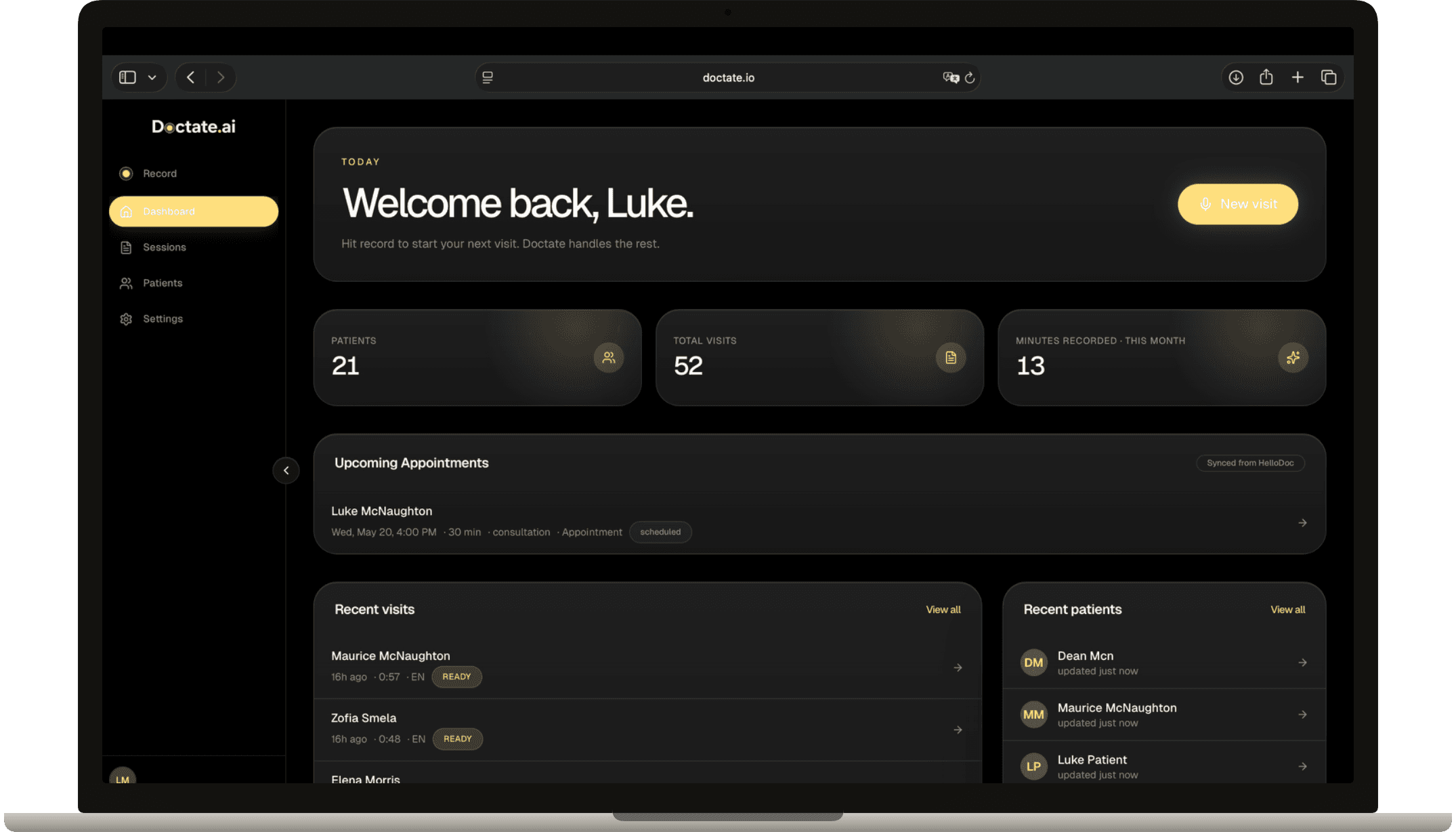
AI-assisted dictation and documentation for clinicians. Transform sessions and conversations into grounded clinical notes, SOAP notes, patient summaries, and draft follow-on documents such as prescriptions, referrals, lab requests, and imaging requests.
Doctate.ai
Functionality
What Doctate.ai does in practice.
Modes
- Dictate
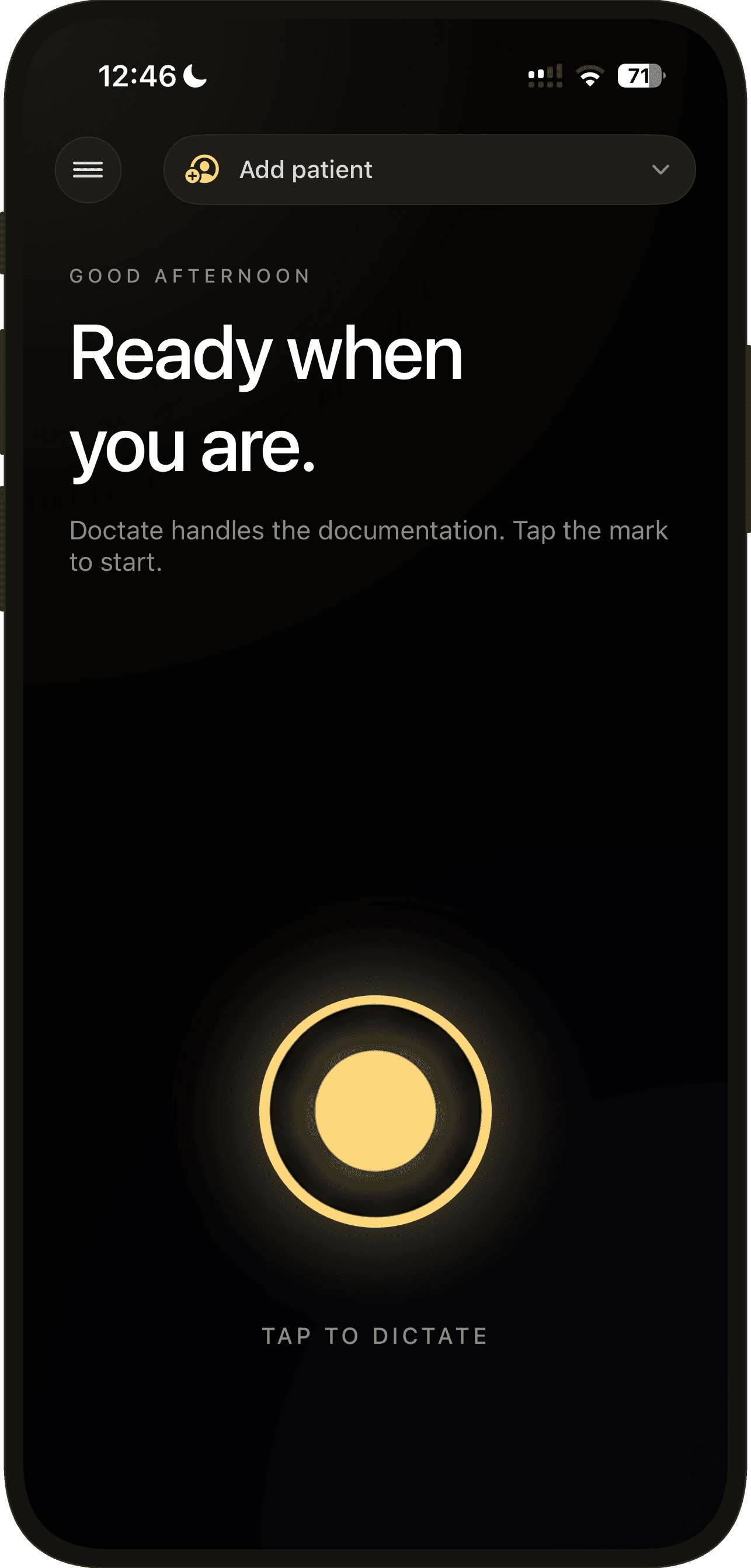
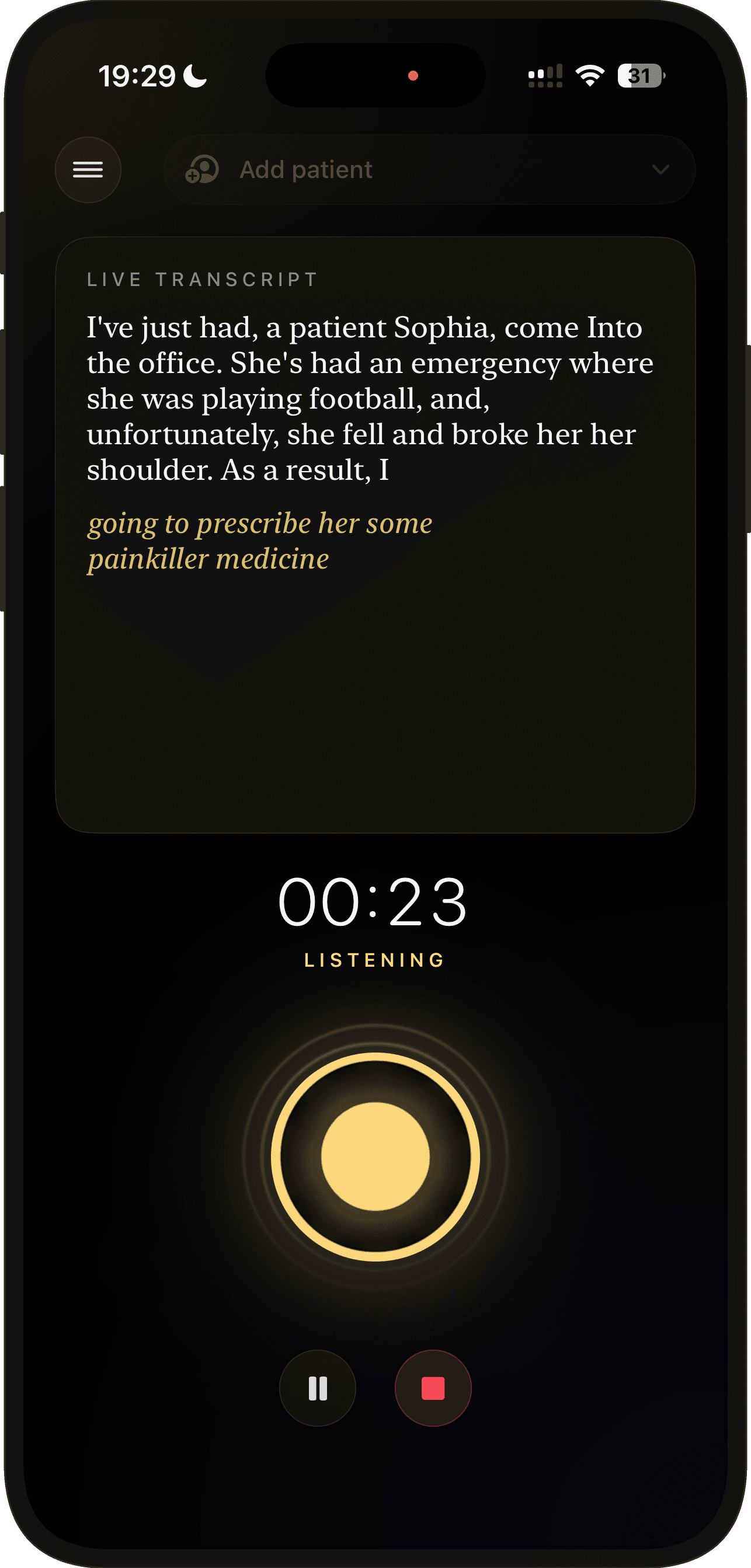
- Press the mic, speak the way you would to a colleague. No templates, no clicking.
- Ambient recording
- Let the visit happen. Doctate listens to the conversation and writes the notes after.
- Live transcript
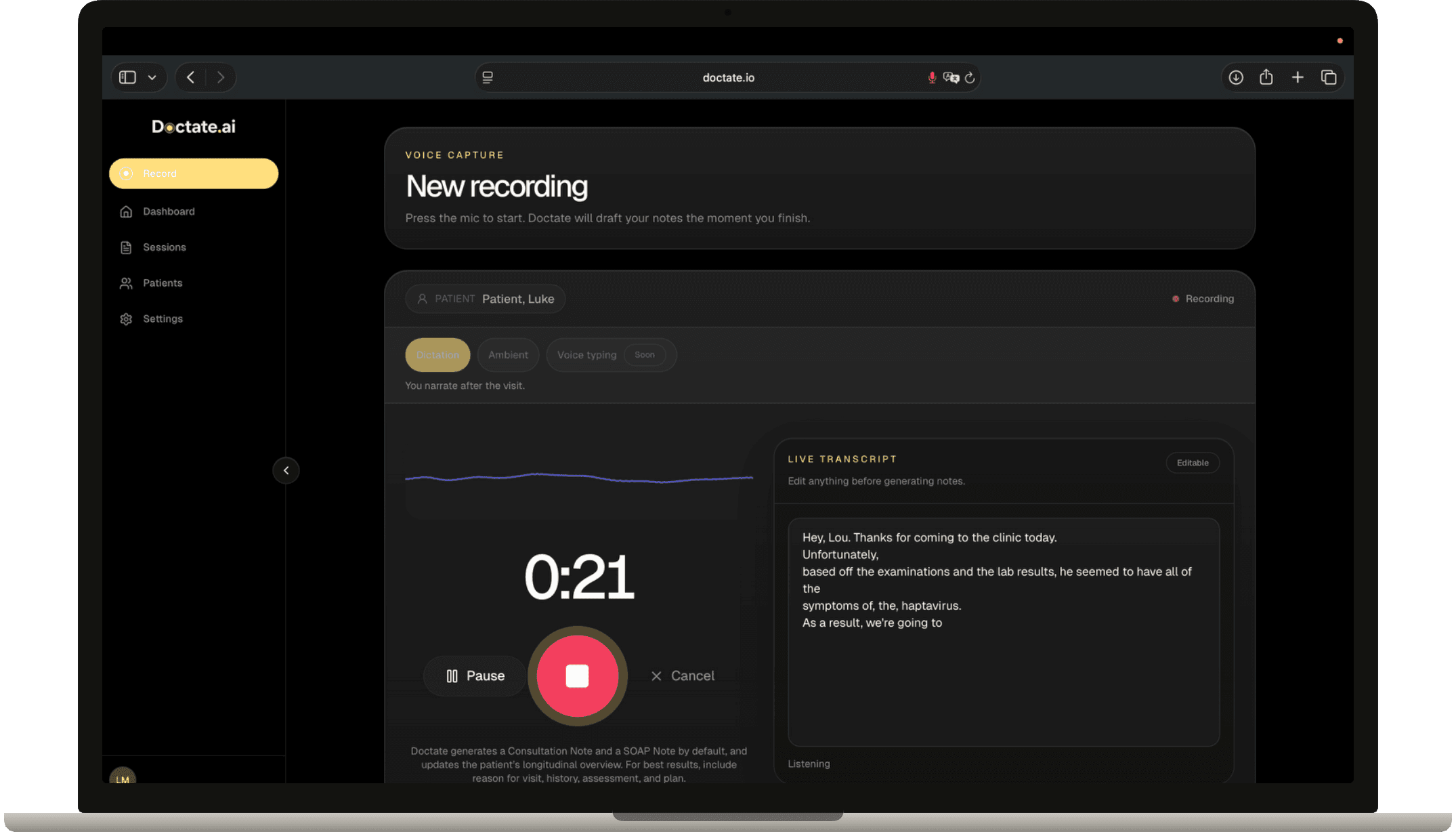
- Watch the words appear as you talk. Catch anything off in the moment.
- Works in the room
- Phone, laptop, or embedded inside Doc4 — wherever your visit happens.
Documents written for you, ready to review
Doctate drafts the paperwork from a single recording. Nine document types out of the box.
- Consultation notes
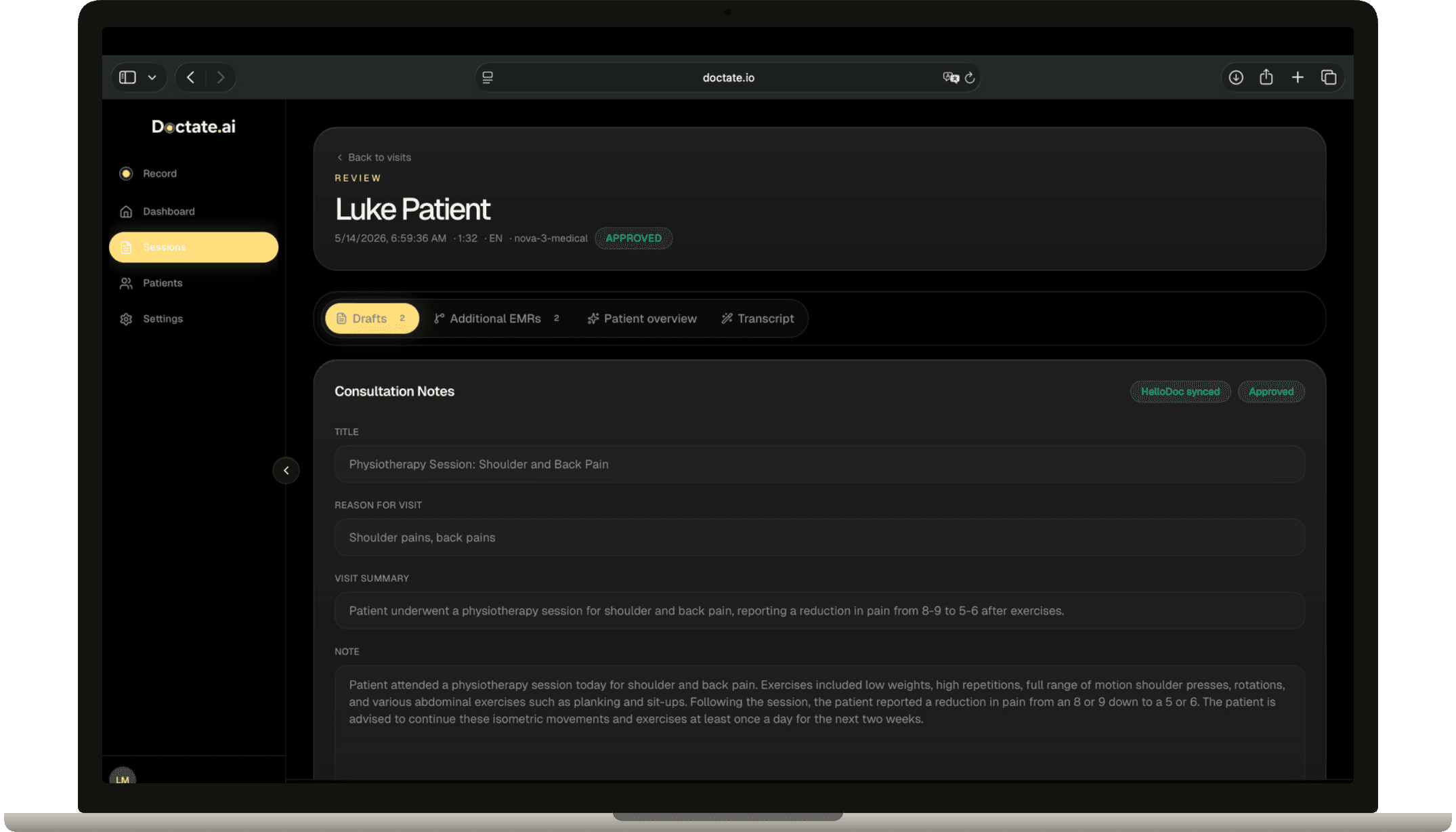
- Short, readable visit summaries — the kind you'd dictate to a letter typist.
- SOAP notes
- Structured Subjective / Objective / Assessment / Plan, formatted to standard.
- Prescriptions
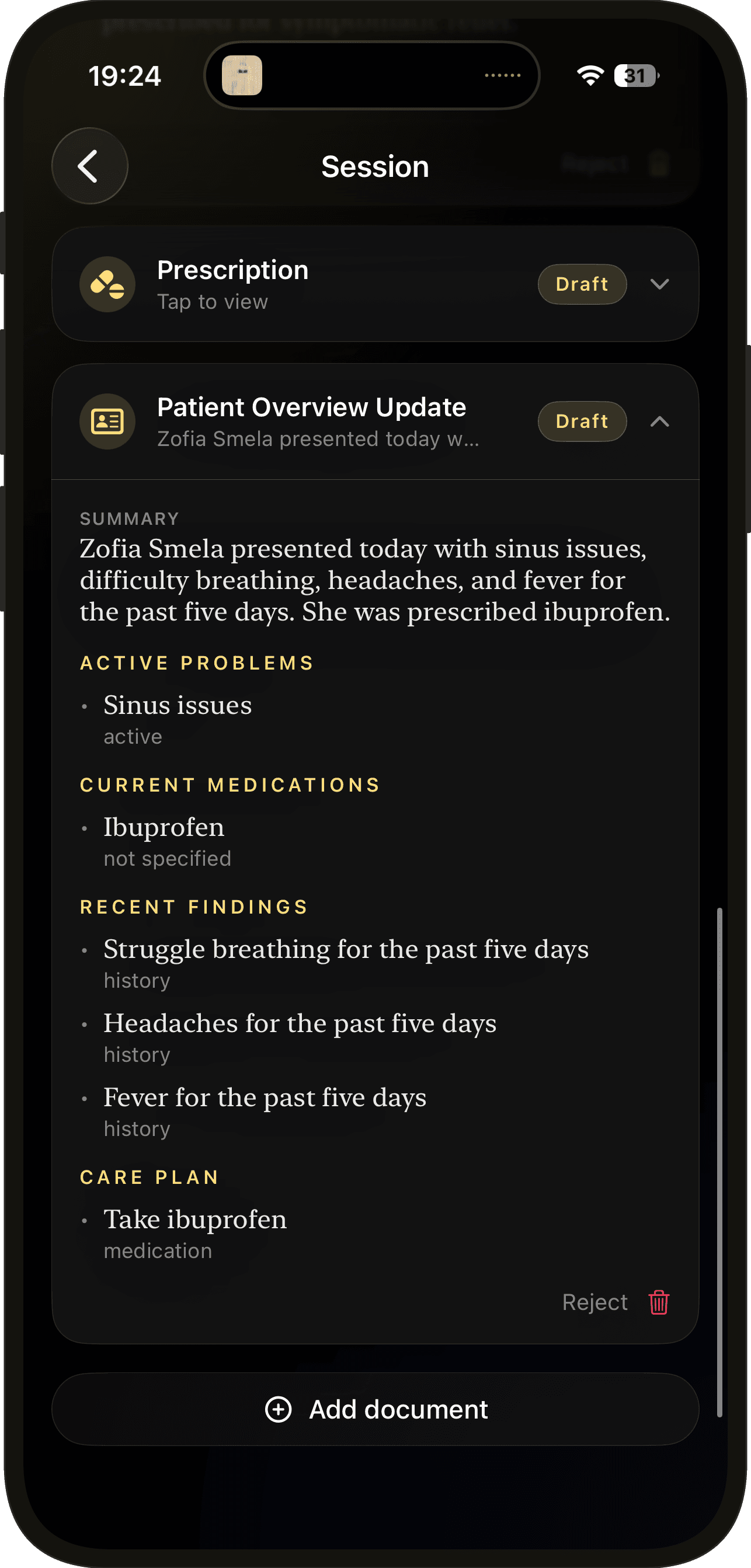
- Medication, dose, frequency, duration — flagged automatically when controlled substances appear.
- Referral letters
- Specialty, urgency, clinical summary, requested actions — addressed and ready to send.
- Lab requisitions
- Test list with priority, fasting flags, and clinical indication.
- Imaging requests
- Modality, body region, contrast, urgency — and safety flags for pregnancy, implants, or contrast allergies.
- Physio session notes
- Pain scores before and after, modalities used, in-clinic exercises performed.
- Movement routines
- Home exercise programs linked to the official exercise library — patient gets the demo video, not just words.
- Patient overview
- Longitudinal summary that updates every visit. The next doctor opens the chart and knows the story.
What it replaces
- Speak the visit, edit the draft
- Before: typing notes after every visit.
- The AI catches it from your dictation
- Before: forgetting to write the referral.
- One-tap export back into Doc4
- Before: copy-paste between systems.
- Structured, signed, dispensable prescriptions
- Before: manual prescription forms.
- Patient leaves with videos of the exact movements on their phone
- Before: a paper list of exercises.
- Under a minute of review
- Before: 10 minutes of paperwork per visit.
Compliance built in
- Clear privacy policy
- Plain-English explanation of what we collect and what we don't.
- HIPAA-aware design
- Patient identifiers stay attached to the right session. Access is gated at every level.
- Patient consent prompt
- Ambient mode reminds you to obtain consent before recording the conversation.
- Audit-ready
- Every event recorded for review.
Trust by design
- No data sold, no AI training
- Your recordings and transcripts are never used to train general-purpose models.
- Audio auto-purges
- Raw audio is deleted after 30 days. Only the transcript and the documents you approved remain.
- You own the record
- Clinical content belongs to you and your clinic. Doctate processes it to help, never to own.
- Encrypted in transit and at rest
- Industry-standard TLS and AES-256.
- Auditable
- Every sign-in, approval, and export is logged.
- Not a medical device
- Doctate is documentation software. Clinical decisions stay with the licensed clinician — always.
Inside Doc4
- Single sign-on
- One account works for both. Open Doctate inside Doc4 and you're already signed in.
- Patients flow automatically
- Your Doc4 patient list, appointments, and clinical history appear in Doctate the moment you sign in.
- One-tap export
- Approved documents land in the right patient's Doc4 record — clinical notes in the notes section, prescriptions in the prescription section, movement routines in the patient app with their video.
- Telehealth mode
- On a Doc4 video call, Doctate captures the conversation through the existing call audio. No second mic, no app switch.
Inside
Voice to chart